
Client Portal


This is your portal for billing information. Click on the link and use your email to log in. If you don't remember which email you used, shoot me a text.
Directions:
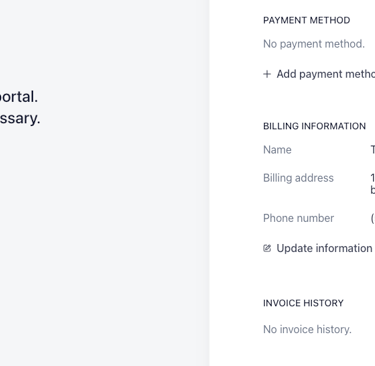
These are the screens you should see to add or update your info.
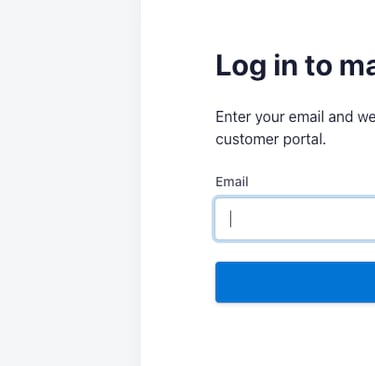
Step 1: Enter your email address. You will receive a link directly from Stripe to add or update your information.

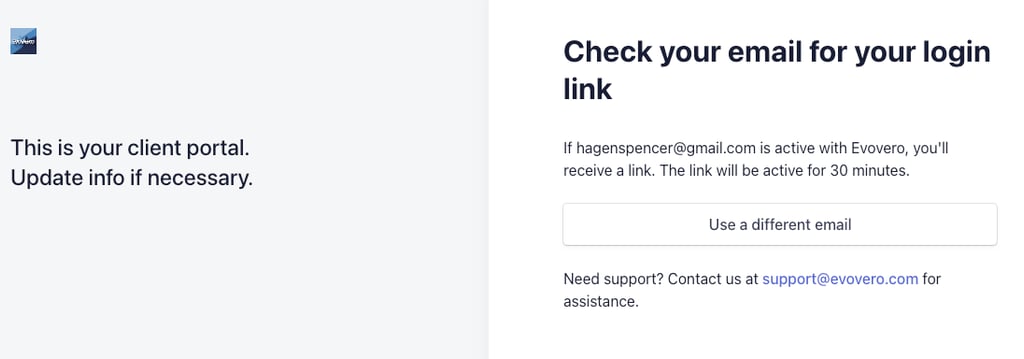
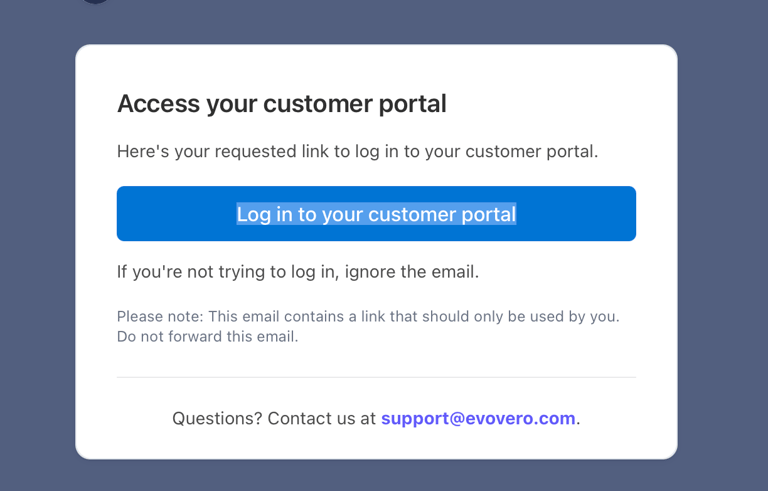
Step 2: You'll see this screen instructing you to open your email. When you find the email, it will look like the second picture.

Step 3: After clicking the link in your email, you should end up on a screen like this. Click on "Add payment method" to add the card you'd like to use. You can always change it later. Your billing information should update automatically.
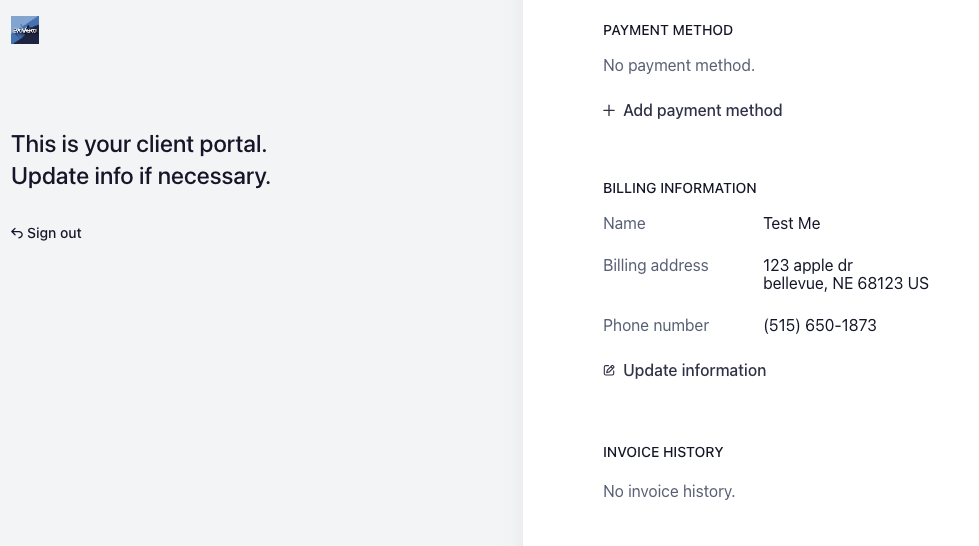
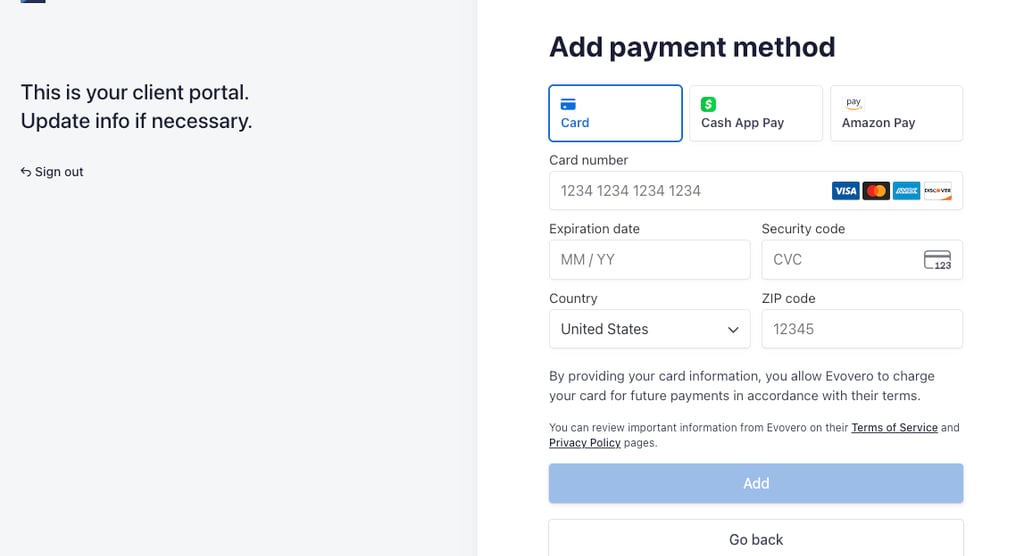
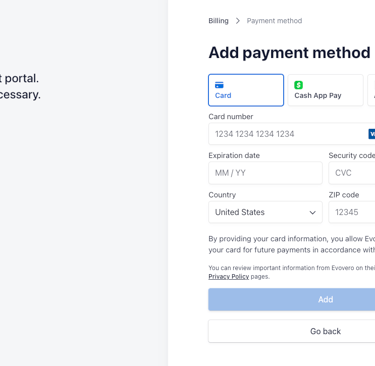
Once your card information is on file after hitting "add", let me know so I can double-check that everything has been done correctly. This should be a simple process to make life easier for you. If, for some reason, it isn't working how it should, please reach out for help. We can always schedule a quick phone call to do it over the phone. Click on the "Click Here!" buttons at the top or bottom of the page to get started.
Connect
Your partner in effective digital marketing solutions.
Grow
info@evovero.com
402-698-4902
© 2025. All rights reserved.